
Updates
Say Cheese! update tracking: what changed since launch, which signals the creator actually publishes, and how to verify a patch claim without an official changelog.
Introduction
Updates are the hardest thing to write about honestly for a game that publishes no changelog. Say Cheese! launched on 19 October 2026, and the official page shows an updated timestamp, but the creator does not post patch notes, a roadmap or an announcement feed that we could verify. That leaves two choices for a wiki: invent a patch history from community chatter, or describe the signals that actually exist and teach readers to read them. This section does the second. It records the launch date, the last update timestamp observed, and the growth figures visible on the page at the time of checking, all with dates attached. It also explains how to compare a snapshot you took last week with the page today, which is the only first-party way to detect a change. When a specific claim about new content appears online, this section explains how to test it against the page rather than repeat it. Change tracking here means dated observations, not a fabricated timeline. Where something is unknown, it says so instead of filling the gap.
Change Signals
| Signal | What it tells you | Reliability |
|---|---|---|
| Updated timestamp | The last time the page recorded a change | First-party, visible on the page |
| Description text | Whether the creator changed how the game is presented | First-party, but only when it changes |
| Visit and player counts | Growth, not content changes | First-party snapshot, changes constantly |
| Community patch videos | What players believe changed | Secondary, sometimes hours after the fact |
| Developer changelog | Would be authoritative | Does not exist as of 2026-10-31 |
Tracking Methods
The Timestamp
The one first-party change signal the game publishes, and how to read it without overreading it.
Description Diffing
Reading the official description twice is the closest thing this game has to patch notes.
Community Signals
How to use video coverage as an early warning without treating it as a record.
What Growth Means
Separating a rising player count from an actual change to the game itself.
When Nothing Changed
How to read a week where every signal on the page stayed exactly the same.
Core Mechanics
The practical mechanic is a two-column note: what you saw and when you saw it. Take a snapshot of the official page today, recording the updated timestamp, the description and the counts you care about. Next week, take the same snapshot and compare. If the timestamp moved, the creator changed something, even if the description looks identical; if the description changed, read the difference closely, because that text is the closest thing this game has to a patch note. If only the counts moved, the game probably did not change at all. This is unglamorous, and it is the only method available. Community patch videos are useful signals that something happened, and they are not evidence of what happened; a video can describe a change accurately or can describe the creator's own first confusing session. The comparison is what turns a signal into knowledge.
Advantages
The advantage of snapshot comparison is that it works with the tools the creator actually provides. You do not need an official changelog to notice that a timestamp moved, and you do not need permission to read a description twice. That makes the method usable by anyone in about a minute a week. It also produces a personal record that outlives the coverage cycle: videos published during launch week describe a build that may already be outdated, while your dated notes describe exactly what you saw. A second advantage is honesty about growth figures. Because the section presents visits and player counts as dated snapshots, a reader can tell the difference between the game growing and the game changing, which are frequently conflated in news-style coverage. Finally, this approach never needs to be retracted; it only needs to be extended with a new dated row.
Challenges
The limitation is that an updates page without official updates is a strange object. Readers who want a list of patch notes will not get one, and readers who want to know what changed last Tuesday may find that the only honest answer is that a timestamp moved but the description did not. There is also a detection gap: if the creator changes something in the experience without touching the page, none of these signals will catch it, and only playing will reveal it. Community videos partially cover that gap but are unreliable in both directions. Finally, freshness is a real cost. A snapshot method only works if someone keeps taking snapshots, and this page is only as current as its stated check date. When that date ages, the page should be read as a historical record rather than as a live status.
Frequently Asked Questions
When did Say Cheese! release?+
Is there an official changelog or roadmap?+
How can I check whether the game changed since I last played?+
Quick Tips
Take a dated snapshot of the official page once a week and keep it somewhere you will find again. Copy the updated timestamp, the first sentence of the description, and the visit count with the date beside it. Three lines are enough to answer most later questions about whether something changed, and they cost less time than watching a single patch video.
Distinguish growth from change. A rising visit count means more people are playing; it does not mean the game gained content. When you read a post that treats popularity as evidence of an update, check the timestamp on the page before accepting the framing. On a twelve-day-old game, popularity and content change are almost unrelated.
When a community video claims a change, look for what the creator shows rather than what they assert. A clip of a new screen or a different description is evidence; a narrator saying the game updated is a claim. If the video shows neither the page nor the group, treat the whole thing as unverified and check the page yourself.
Featured
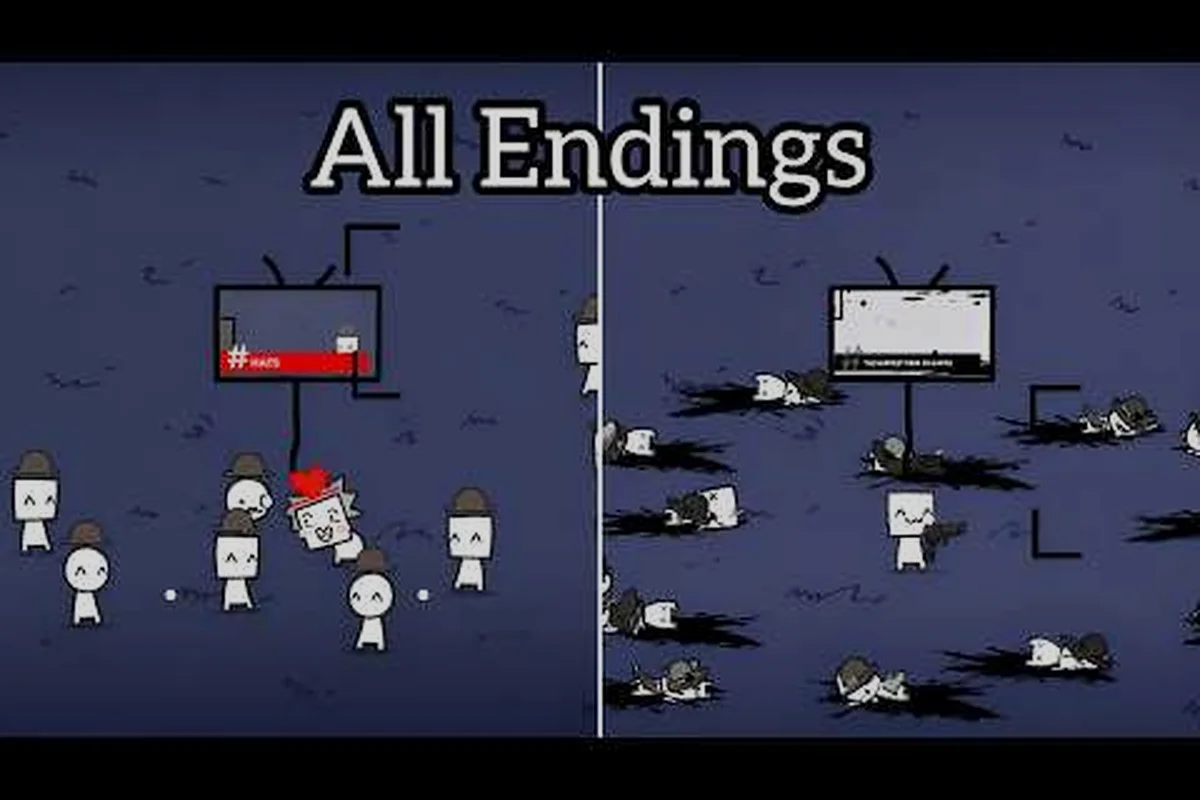
Say Cheese! Roblox Removed Content Claims, Weighed
Weigh Say Cheese Roblox removed content claims against a clear evidence standard, and learn what counts as proof, context, or an unconfirmed report.

Say Cheese! Roblox Stats: What the Numbers Mean
Read Say Cheese Roblox stats as dated snapshots, and understand what visits, favourites, active players and vote ratios really measure.
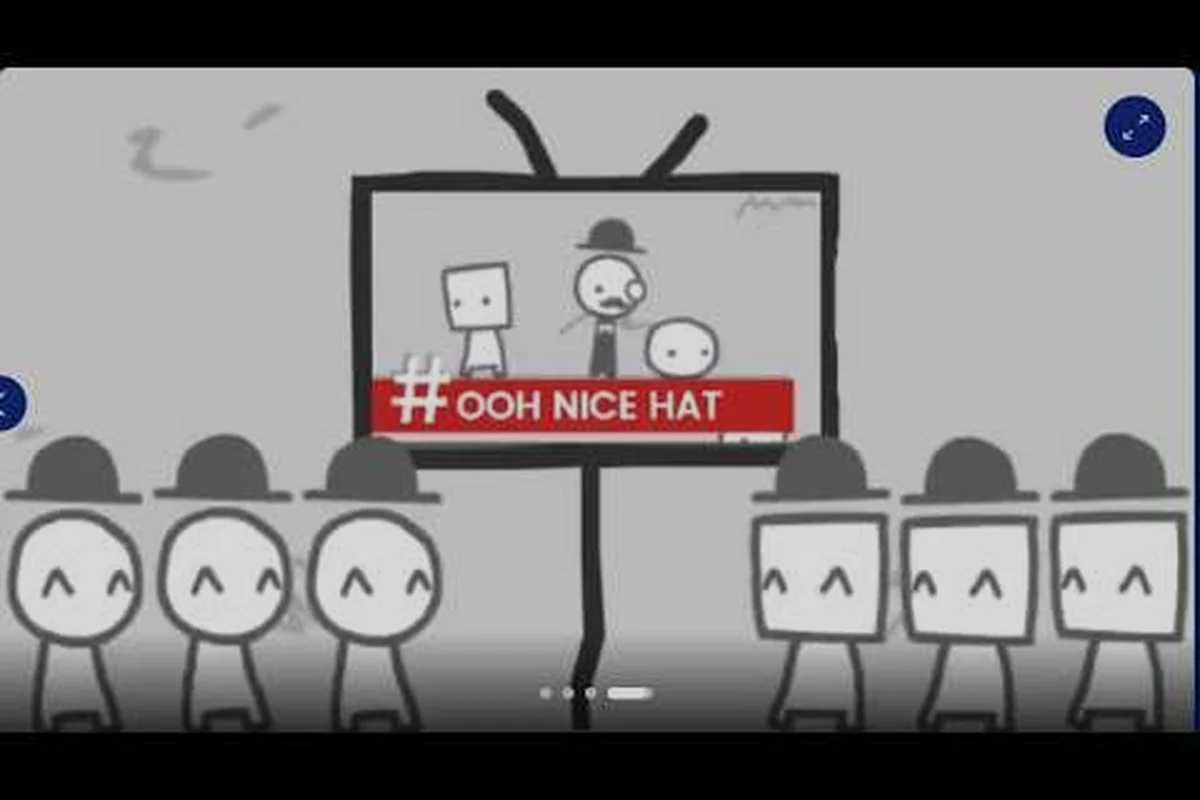
Say Cheese! Roblox Update Tracking Without a Changelog
Track a Say Cheese Roblox update without a changelog by checking page timestamps, grading evidence, and logging verified changes.
All Articles
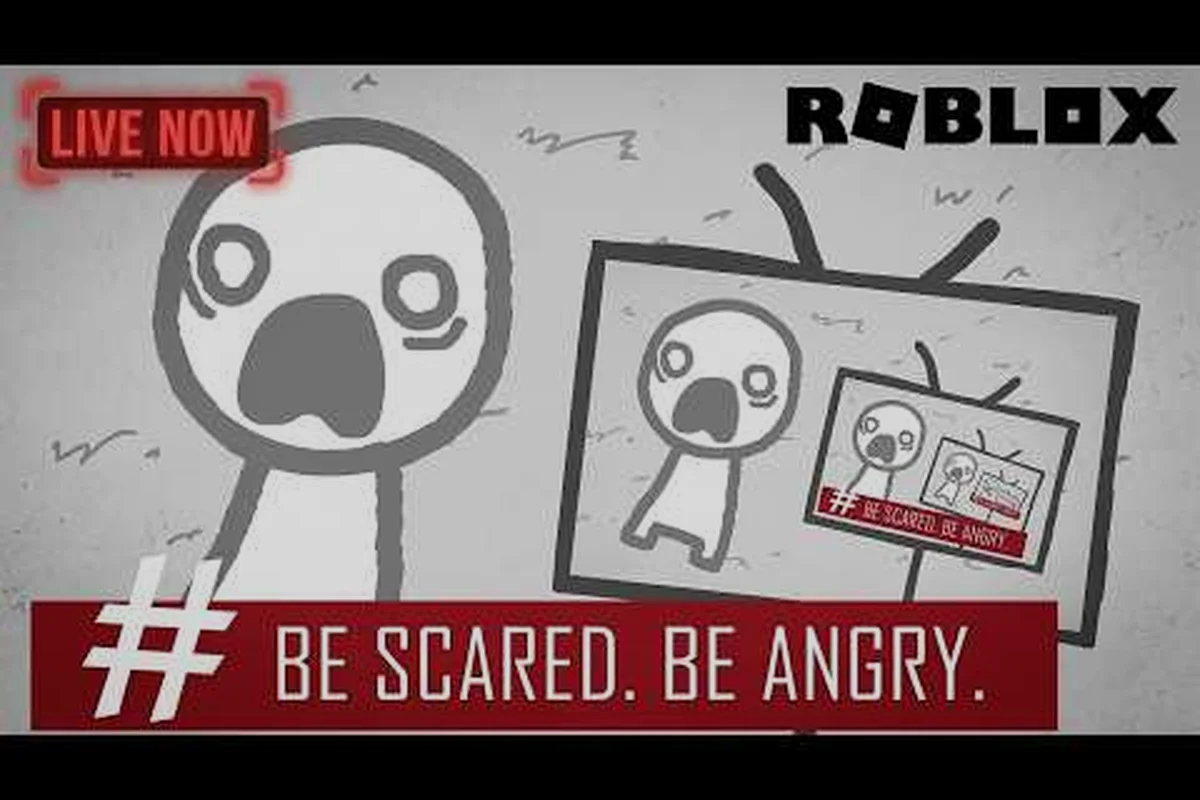
Say Cheese! Roblox When It Did Come Out, Explained
Establish when Say Cheese Roblox did come out from the published launch timestamp, and see what that date still cannot tell you.
Say Cheese! Roblox News Without an Announcement Channel
Follow Say Cheese Roblox news knowing that no announcement channel exists, and learn where the information you see really originates.

Say Cheese! Roblox Version History From Timestamps
Reconstruct the Say Cheese Roblox version history from public timestamps, with clear limits on what that reconstruction supports.